LCL has launched a new service within hoopla called hoopla Flex, to reduce the time you spend waiting for your favorite titles.
What is a hoopla Flex Borrow?
Hoopla will offer some titles as Flex Borrows. They can be identified by the following icon:

In addition to 5 hoopla Instant borrows monthly, you now have hoopla Flex borrows (up to 3 at once) to use on these specially marked materials.
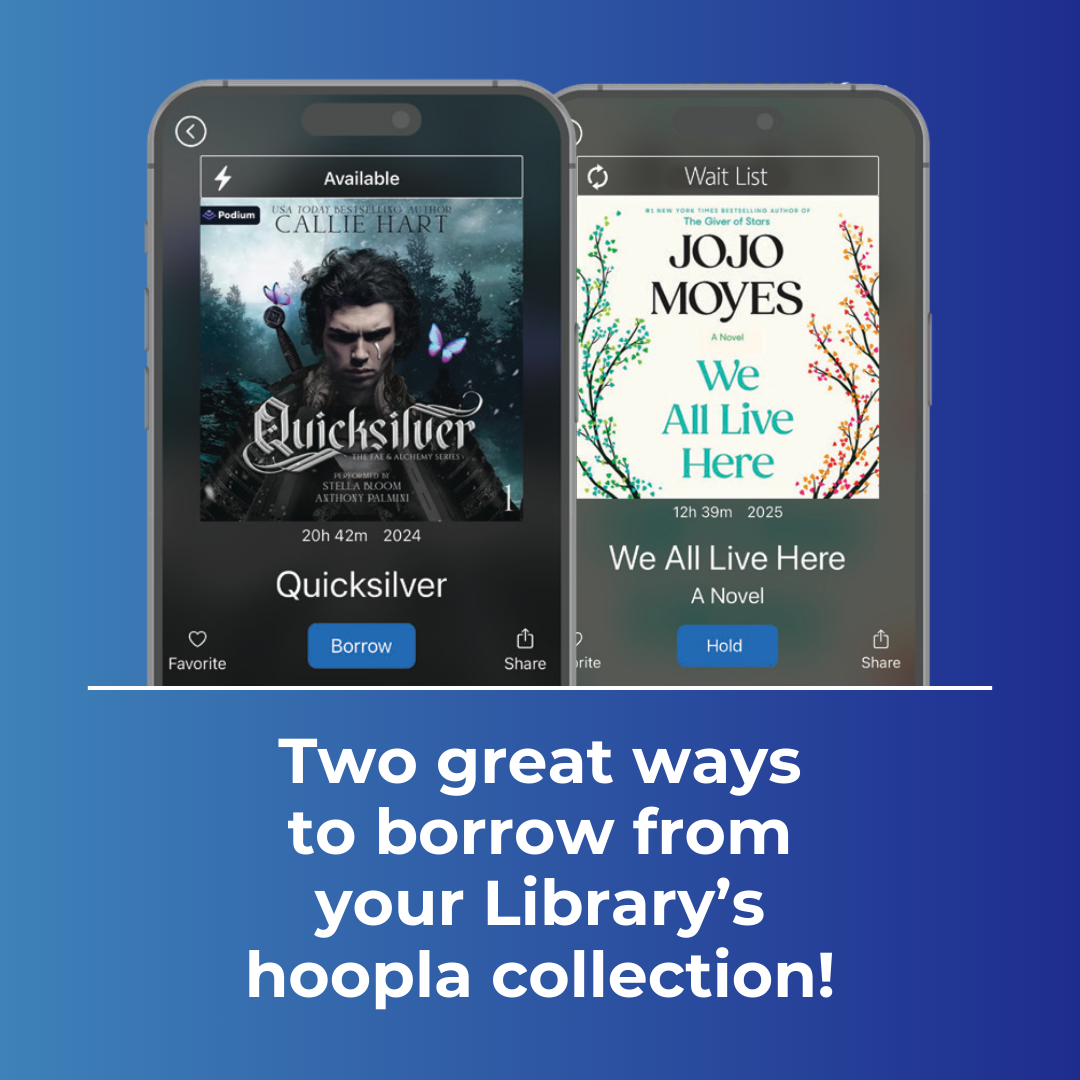
Unlike Instant titles, Flex titles are not simultaneous-use copies. Only one person at a time may borrow a Flex title. If a copy is out on loan, it cannot be borrowed again until returned. If a title is currently out on loan, you may place a hold on the title. This is similar to how physical books are loaned out by the library.
If all copies of a Flex title are out on loan, “Wait List” will be displayed above the title artwork.
With hoopla Flex titles, you will find thousands of new and popular books that you can borrow now or place on hold to read later. If you ever run out of hoopla Flex borrows, you can always return a checked-out Flex item and select a new one. Don’t forget to check your holds on hoopla, as filled requests will expire in 48 hours.
What is the difference between a hoopla Flex Borrow and a hoopla Instant Borrow?
Unlike the 5 hoopla Instant Borrows you receive each month; hoopla Flex Borrows don’t have any monthly expirations. Each hoopla Flex title you borrow is available for 14 days.
New to hoopla? Get Started Today!
If you aren’t familiar with hoopla, you can read, watch, and listen to more than 950,000 eBooks, audiobooks, comics, movies, music, or television titles available to stream or download. You can sign up for hoopla with your Library card at hoopladigital.com and download the hoopla app from your favorite app store.